
A notification category
How you get here: tapping a category row in Notifications. Requires an account? Yes.
What this is
The individual notifications inside one category — the second level of the grouped inbox.
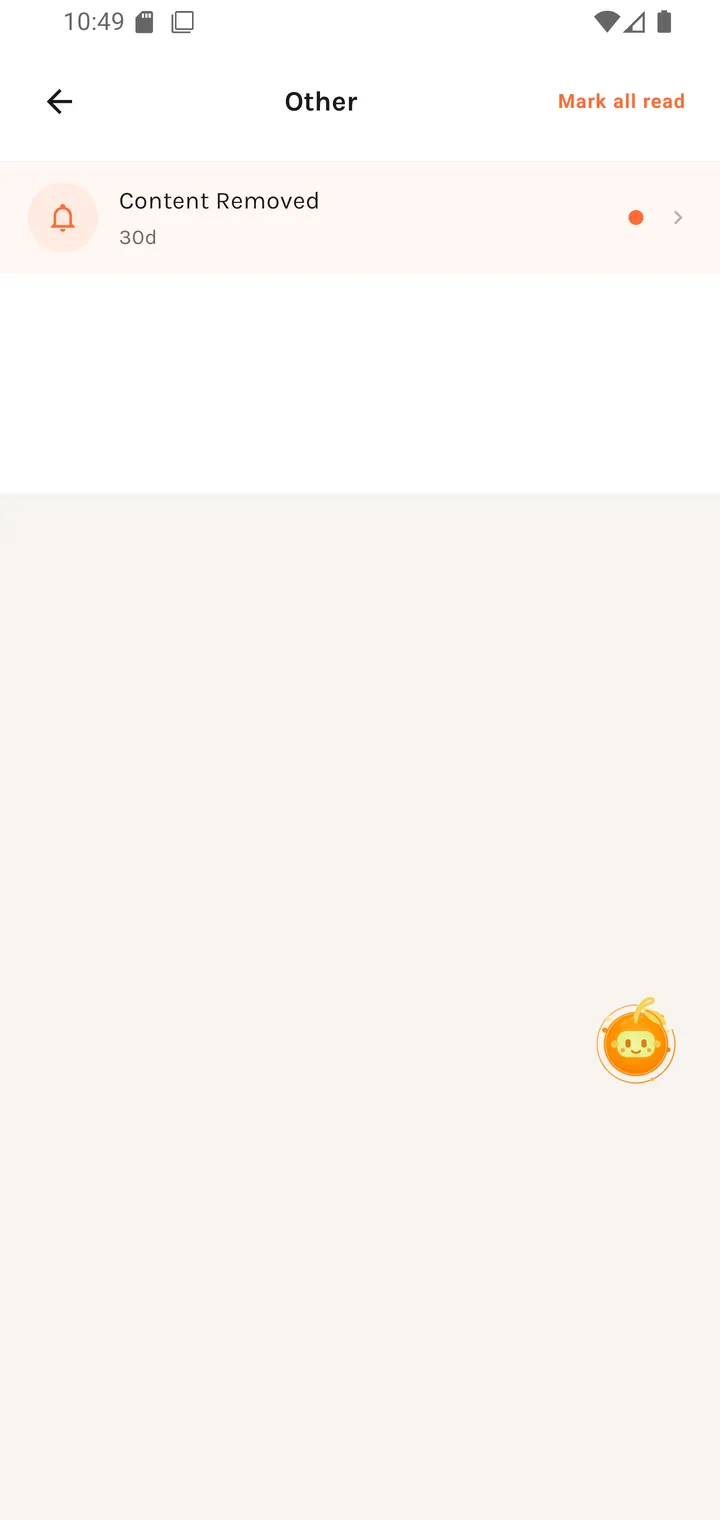
The list
Each row shows the notification, its age (30d, 2h, 5m), and opens whatever it's
about. Mark all read is available here as well as on the inbox.
The example above sits in Other and is a Content Removed notice — how moderation outcomes are delivered.
The categories
Categories are driven by notification type, and broadly cover:
- Orders — status changes on your orders
- Reservations — booking requests and their outcomes
- Other — moderation decisions and everything else
Which categories appear depends on what you've actually done — a category with no history simply isn't listed.