
Settings
How you get here: the gear icon on your profile. Requires an account? Yes.
What this is
The hub. Three sections — Preferences, Account, Danger zone — plus the restaurant tools when you have a restaurant account.
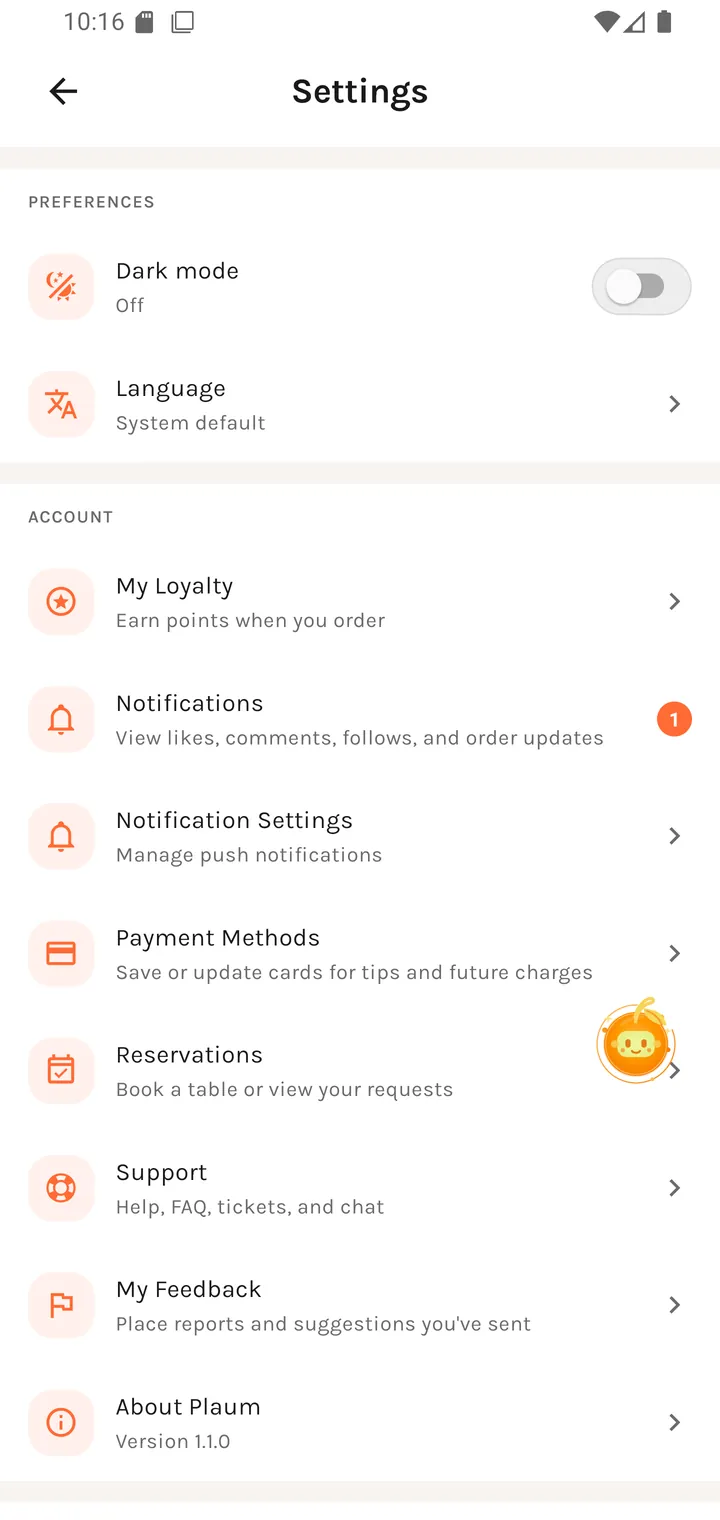
Preferences
| Row | Value | Notes |
|---|---|---|
| Dark mode | On / Off | A direct toggle. The whole app is built for both themes. |
| Language | System default | English and French ship today. |
Account
| Row | Subtitle | Goes to |
|---|---|---|
| My Loyalty | Earn points when you order | Loyalty balances |
| Notifications | Order and reservation updates | Notifications — carries an unread badge |
| Notification Settings | Manage push notifications | Notification settings |
| Payment Methods | Save or update cards for tips and future charges | Payment methods |
| Reservations | Book a table or view your requests | Reservations |
| Support | Help, FAQ, tickets, and chat | Support |
| My Feedback | Place reports and suggestions you've sent | Your feedback |
| About Plaum | Version 1.2.0 | see below |
Note the distinction between the two notification rows: Notifications is the inbox, Notification Settings controls what gets pushed.
About Plaum
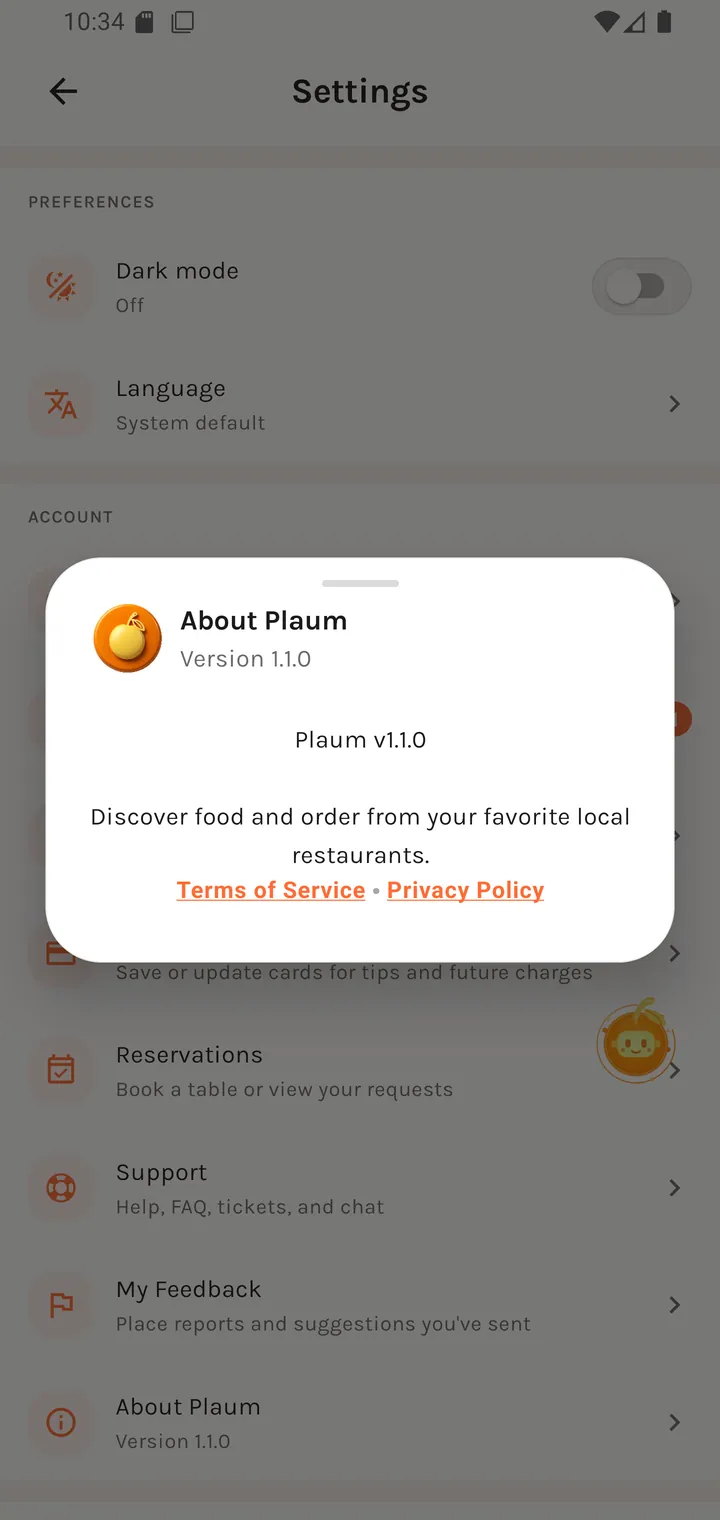
About Plaum Version 1.2.0
Plaum v1.2.0
Discover food and order from your favorite local restaurants.
Terms of Service • Privacy Policy
The version shown is the app's real build version, not a hardcoded string — which matters when you're diagnosing a bug report.
Danger zone
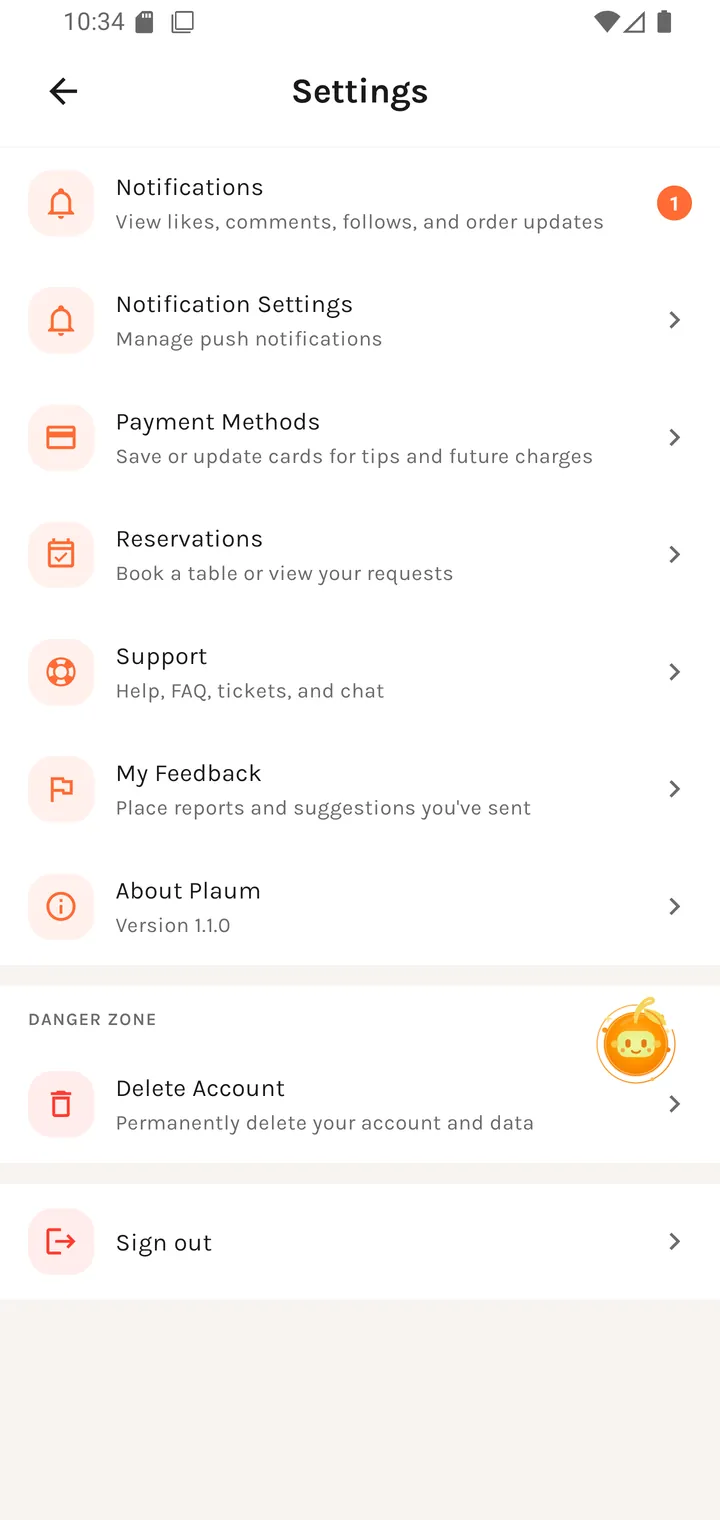
| Row | Subtitle |
|---|---|
| Delete Account | Permanently delete your account and data |
| Sign out | — |
Deletion is not immediate — it schedules a grace period. During it, the app locks down to a single screen; see Account deletion.
Restaurant accounts
Restaurant users get additional rows here rather than extra tabs — the tab strip stays the same for everyone. Those lead to My Kitchen, Portfolio, POS integration, Loyalty settings, Reservation settings and Restaurant notification settings.
Where you go next
Everything above, plus back to your profile.