
Payment methods
How you get here: Payment Methods in Settings — "Save or update cards for tips and future charges". Requires an account? Yes.
What this is
Cards saved for reuse, handled through Stripe. Note the subtitle's wording: tips and future charges. A saved card isn't only for the checkout you're in the middle of — it is what lets a tip be added after the fact, and what a no-show fee is charged against.
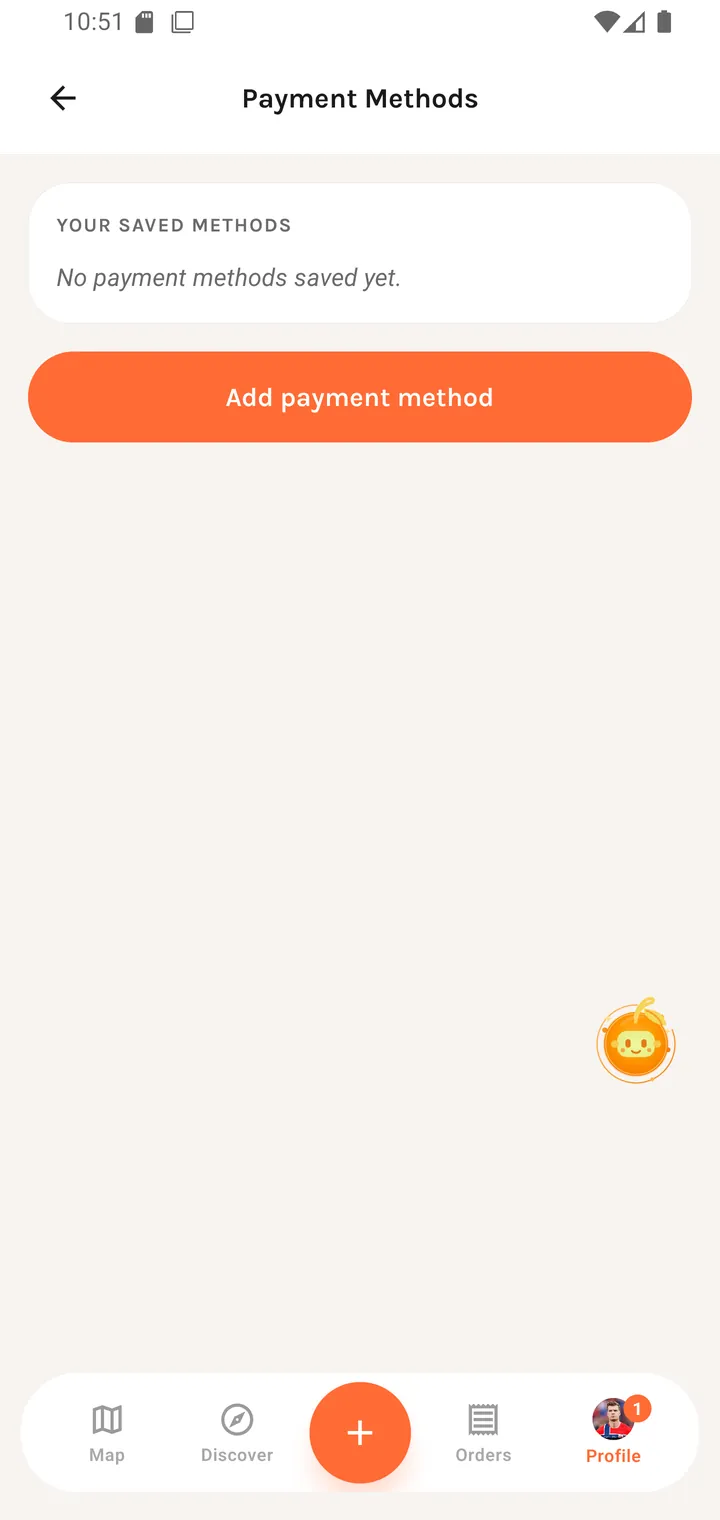
The screen
YOUR SAVED METHODS No payment methods saved yet.
[ Add payment method ]
Saved cards list as brand plus last four digits, with a default and a remove action. Add payment method opens Stripe's own sheet.
Where the card details live
Card numbers never touch Plaum's servers — the Stripe SDK collects them directly and Plaum stores only a token. That is also why the add/edit UI is Stripe's rather than Plaum's: it is deliberately not re-implemented.
Where you go next
Checkout uses these · Rating an order is where a tip gets added afterwards