
Notifications
How you get here: Notifications in Settings, or the badge on the Profile tab. Requires an account? Yes.
What this is
Your in-app inbox — order updates and anything else Plaum needs to tell you. It is grouped by category rather than being one long list, so a burst of activity of one kind doesn't bury a single important message of another.
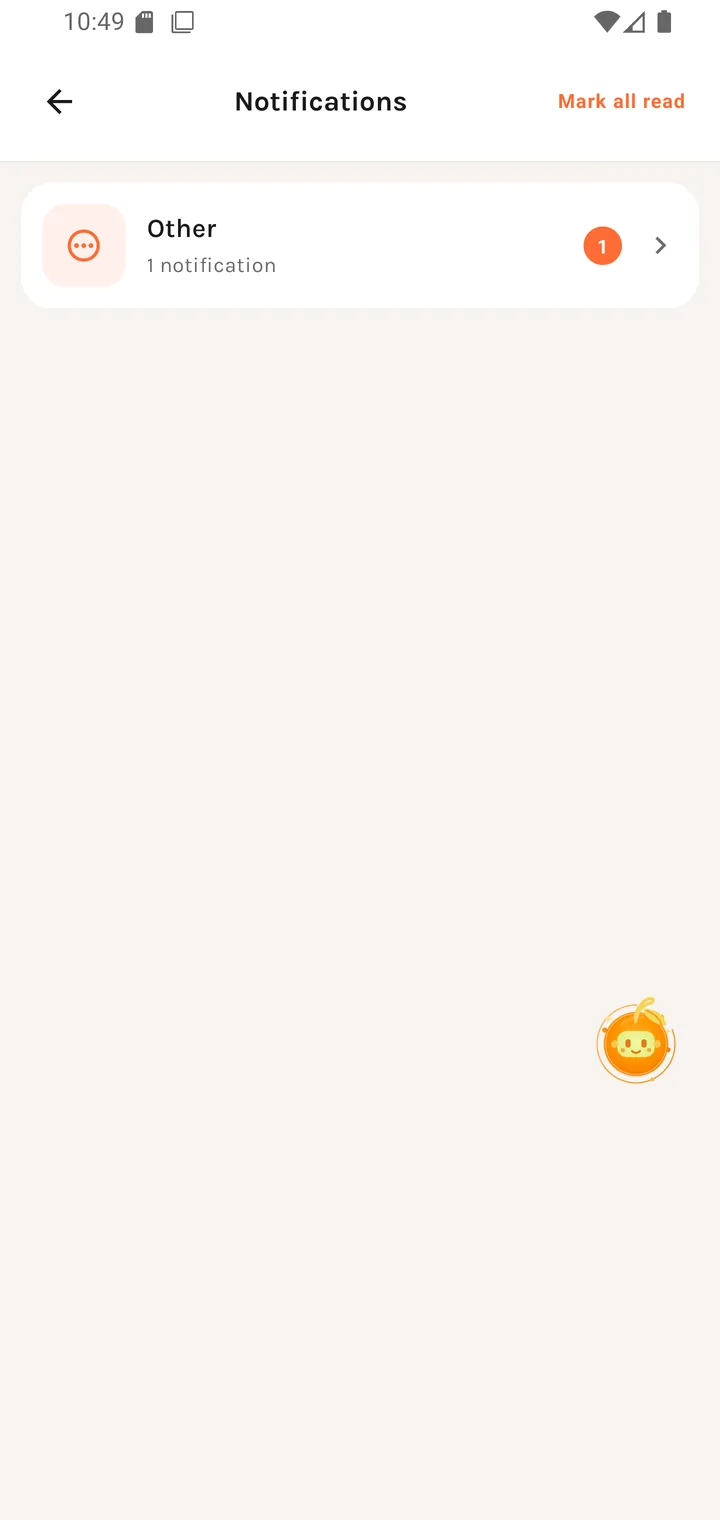
The inbox
Each row is a category with its unread count, e.g.:
Other notifications — Other · 1 notification
Mark all read sits in the top-right.
Tapping a category opens it.
Inside a category
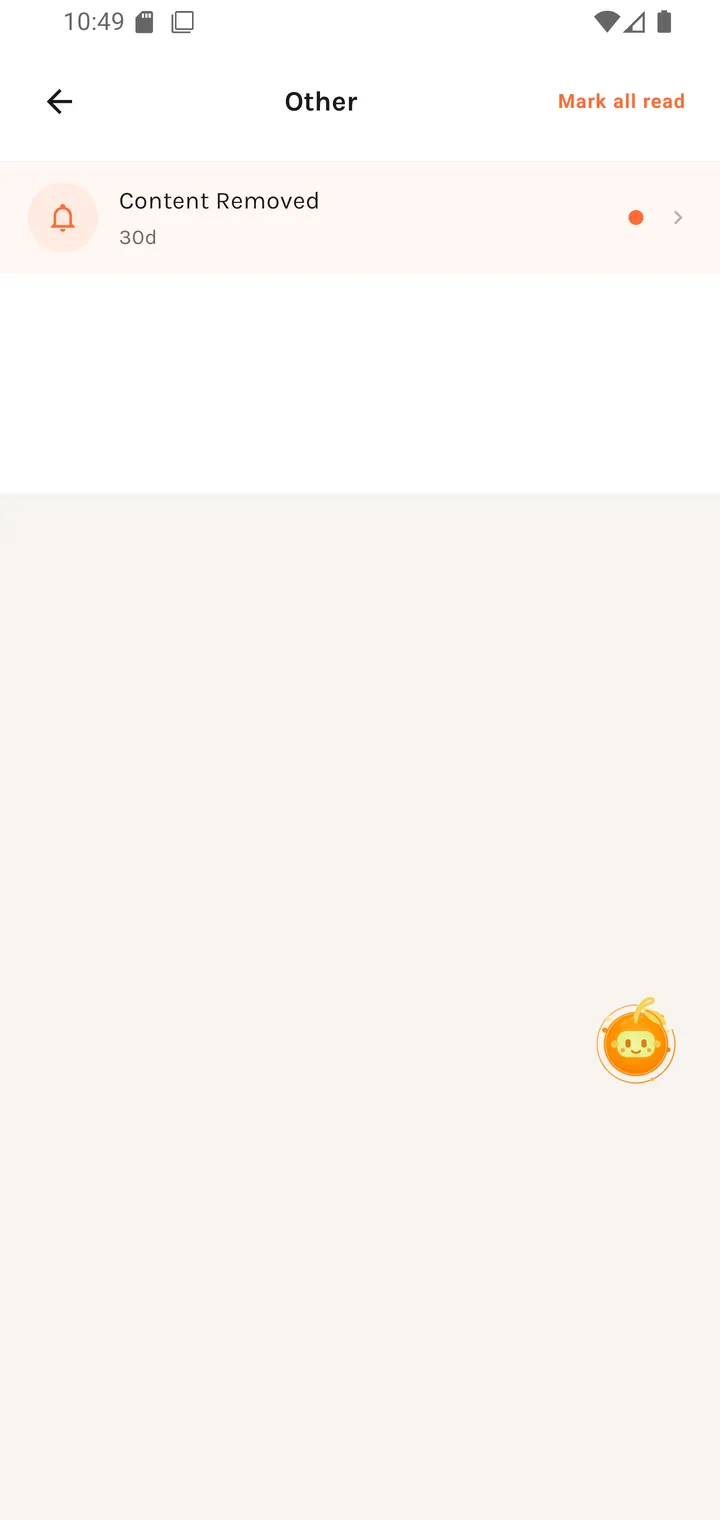
Individual notifications with their age (30d), each tappable through to whatever it's
about — an order, a dish, a moderation decision.
The example above is a Content Removed notice, which is how moderation outcomes reach you.
Batching
Repeated activity of the same kind produces a single push notification but multiple in-app entries. Your phone doesn't buzz once per event, but the detail is still there when you open the app.
The badge
The Profile tab carries the unread count, so you can see there's something waiting without opening the app's settings.
Where you go next
Notification settings to change what gets pushed, or whatever a given notification is about.