
Notification settings
Deep link: plaum://notification-settings
How you get here: Notification Settings in Settings —
"Manage push notifications". Also linked from the footer of emails Plaum sends.
Requires an account? Yes.
What this is
Per-category control over what Plaum is allowed to push to your phone. Distinct from Notifications, which is the inbox — this is the tap.
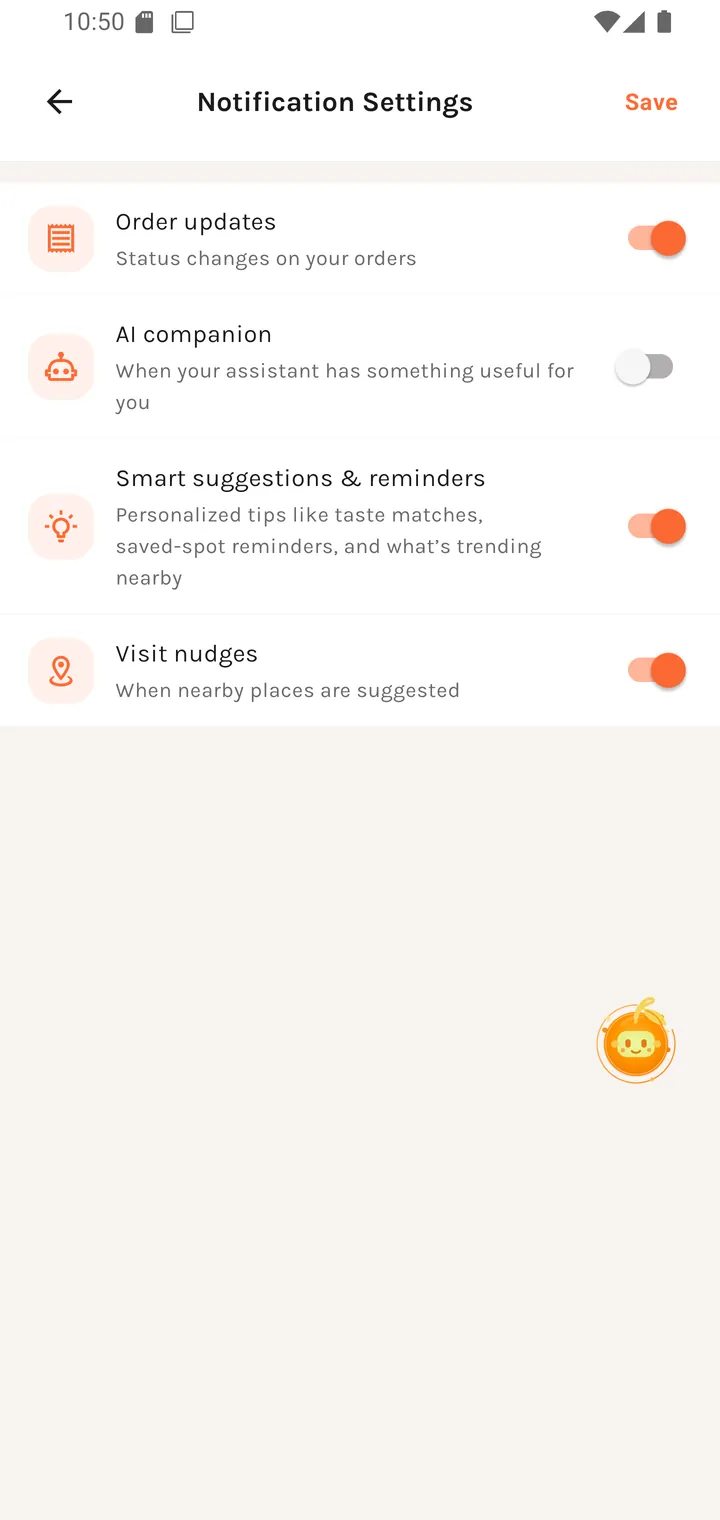
The categories
| Toggle | What it covers |
|---|---|
| Order updates | Status changes on your orders |
| AI companion | When your assistant has something useful for you |
| Smart suggestions & reminders | Personalized tips like saved-spot reminders and what's trending nearby |
| Visit nudges | When nearby places are suggested |
Each is described by what triggers it, not by an internal category name — so you can tell what you're switching off.
Changes are not live-saved: there is an explicit Save in the top-right.
Worth knowing
- Order updates is the one to leave on. It carries "your order is being prepared" and "your order is ready" — the messages that are time-sensitive rather than promotional.
- Visit nudges and Smart suggestions are the marketing-adjacent ones. Turning both off leaves the app functional and quiet.
- This screen governs push. Turning something off here does not stop it appearing in the in-app inbox.
Restaurant accounts get a separate Restaurant notification settings screen for kitchen-side alerts.
Where you go next
Back to Settings, or the Notifications inbox.